What my client sent
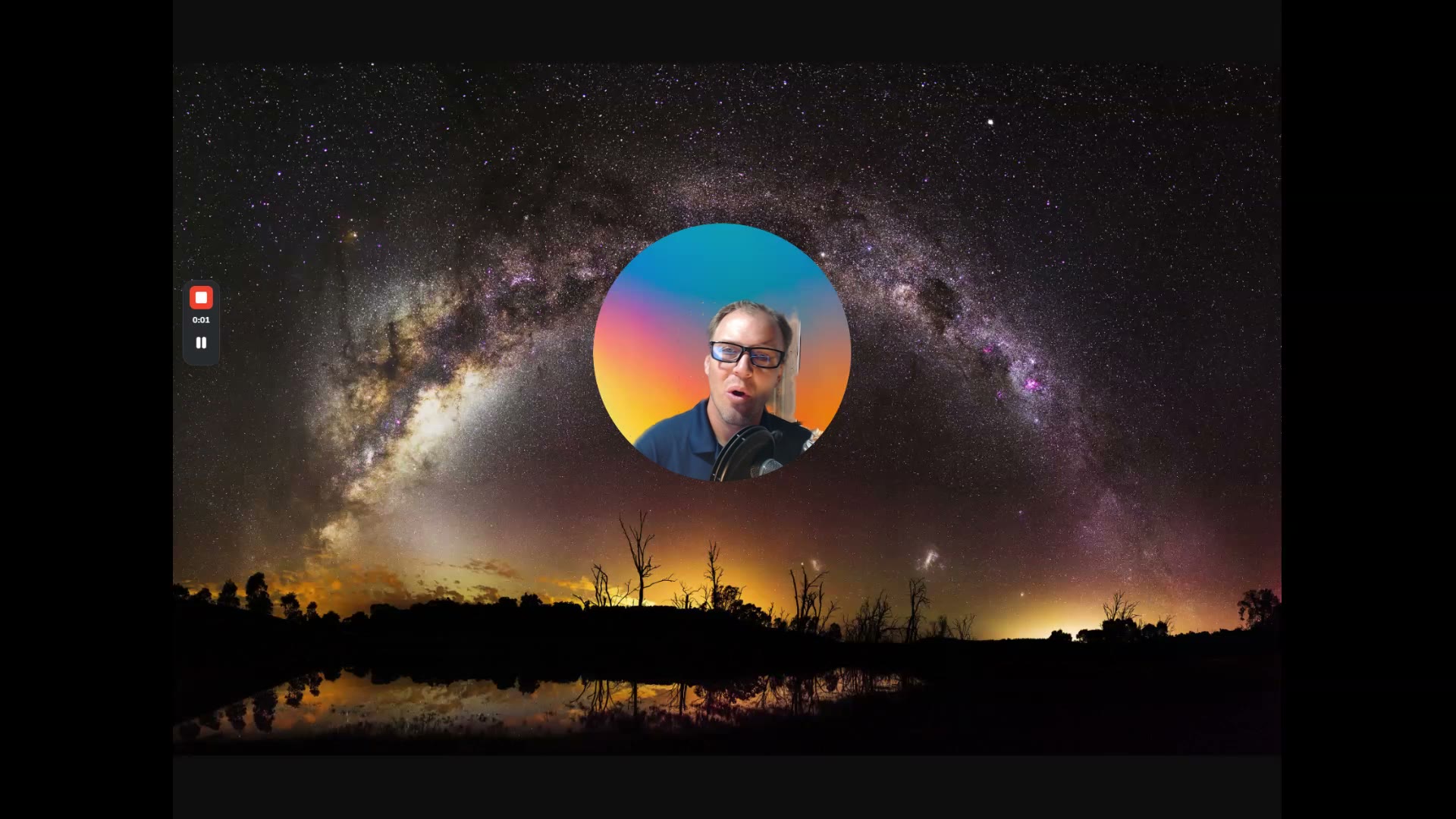
A client of mine recorded a testimonial for me. He did it on Loom, just a talking head into his webcam, and sent me the link.
It was a great testimonial. But it was a raw Loom. I didn’t want to paste that on my site the way it came in.
I wanted to clean it up. Make it look nicer. Put it in my brand, with his name, a caption, my colors. The kind of thing I’d normally send to an editor.
What I asked my AI to do
So I took the Loom and handed it straight to my Claude. I’m running Opus 4.8. Then I asked it a simple question. Can you edit this and turn it into a better version?
And it did. It gave me back a real, edited video from that raw clip. That’s the video you see later in this article.
The format I drew
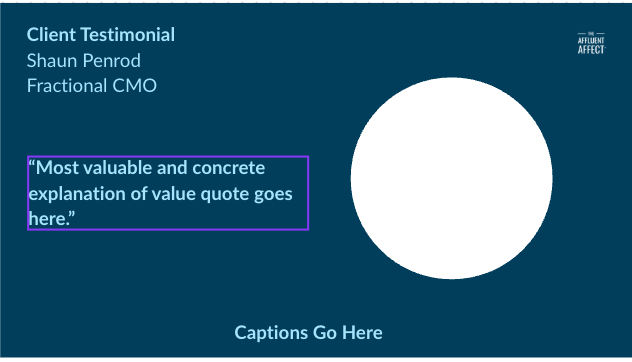
Then I got specific about how I wanted it to look. I drew the format I wanted. Just a rough sketch, nothing fancy. A box for his face. A spot for his name and title. A spot for the quote. A line for the captions.
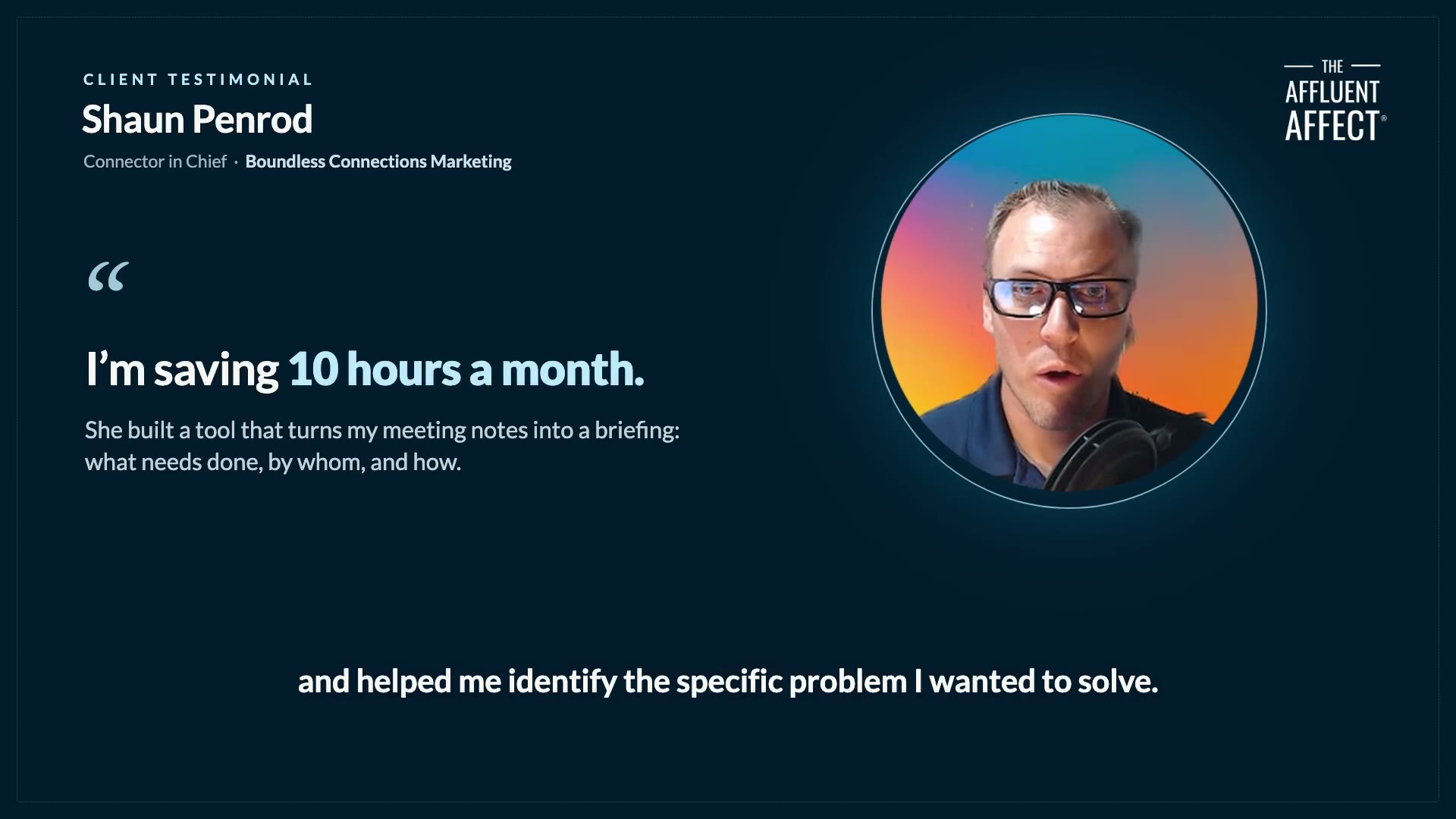
I handed the AI my sketch and asked it to match it. It re-edited the whole thing to fit my layout, added the captions in my brand colors, and dropped in my logo. A second version, done.
I never opened a video editor. Not once.
Before and after
I didn’t even touch the mouse
In fact, I asked it to take the screenshots too. The before and after you see in this article. I never even touched the mouse. I spoke this whole thing into existence, using Wispr Flow and Claude Code to build all of it.
This is the final edited video testimonial you can watch
Here’s the finished piece. The raw Loom he sent, turned into this, just by talking to my AI.
If you want to do this too
Same clip he already sent. A cleaner video, on brand, in a few minutes.
If you want to edit videos with your AI, you should just do it.
Here’s the prompt I used. Copy it, add your own Loom and sketch, and go.
Here's a Loom video my client sent me as a testimonial.

Turn it into a clean testimonial video in a 16:9 format.

Use the attached sketch for the layout.

Pull out the one quote that shows the most valuable, measurable impact of our work together, and put it front and center.

Add captions, and use my brand colors and logo.
If you want to try Wispr Flow for free, you can use my affiliate link to get a free month.
Try Wispr Flow freeQuick answers.
Do you need a video editor?
No. I never opened one. I handed the video to my AI, drew the format I wanted, and it did the editing.
What did you use to make it?
Wispr Flow to speak my instructions, and Claude Code to build it. The video is the same clip my client already sent.
Did the client have to record it again?
No. I used the exact Loom he already sent, just in a cleaner frame.
Want help getting your team and your business to leverage AI?
Training your team on AI, getting them up to speed, and putting AI to work inside your business is the work I do. If getting your AI to do real work like this feels like the next move, the next step is a conversation.
Natalee Champlin, The Affluent Affect®